WhatsApp Desktop
WhatsApp for PC is the most popular web app that helps you end-to-end encryption chat and audio/video calls.

Safe & Secure
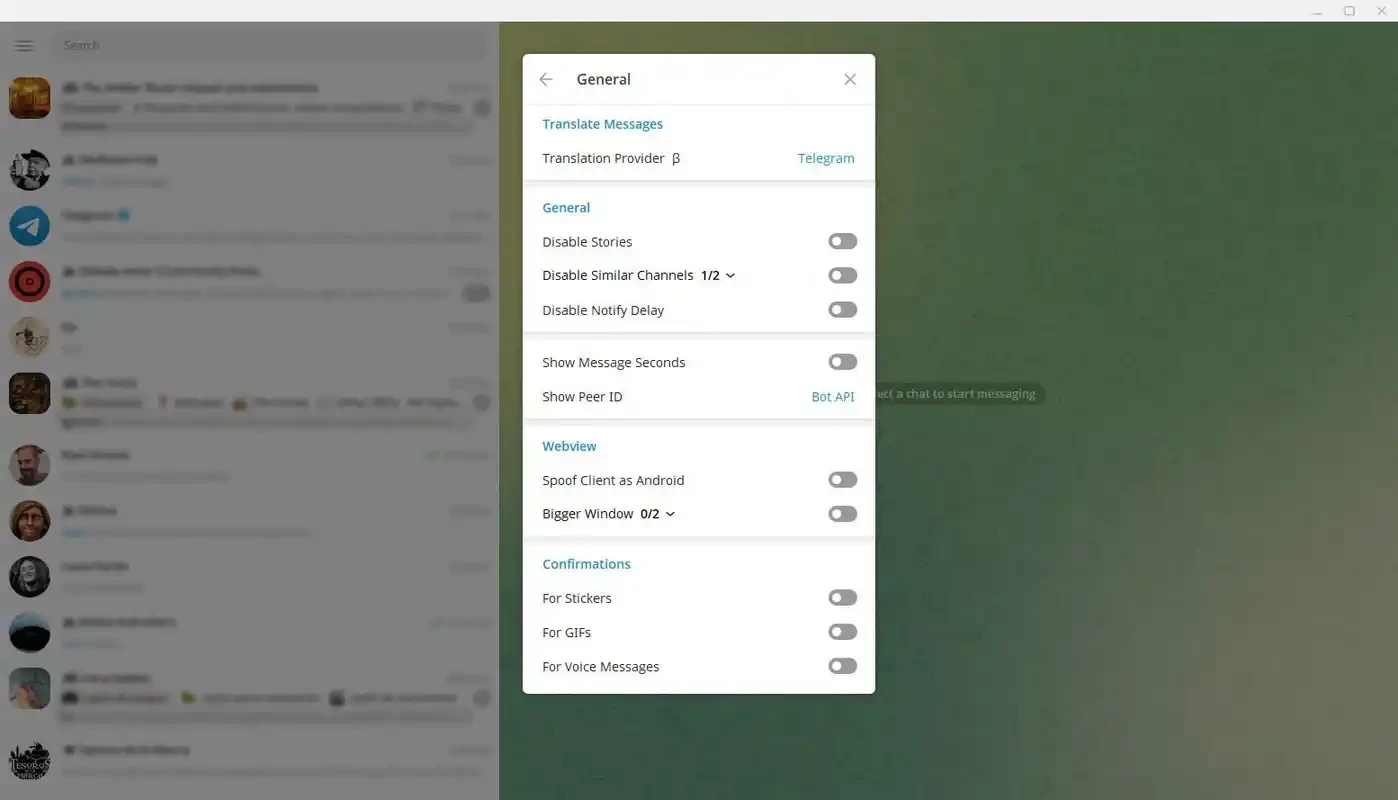
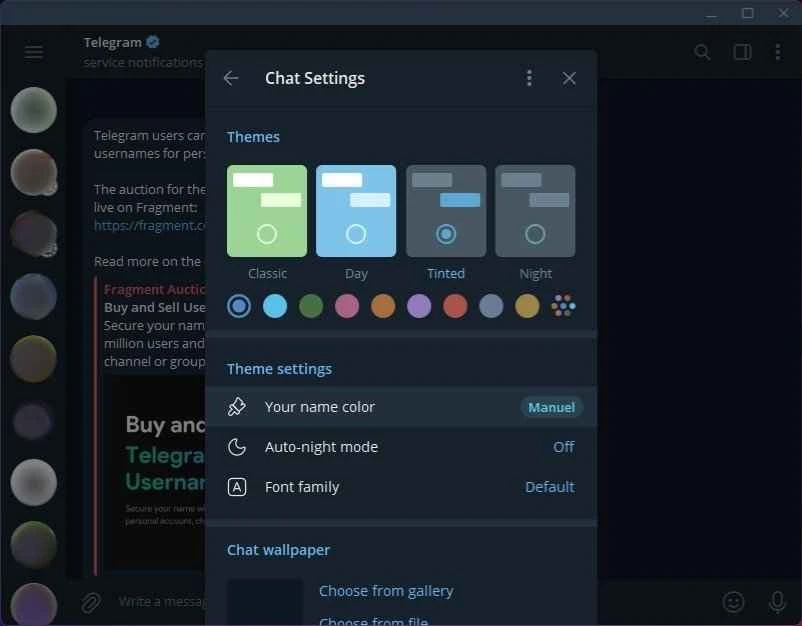

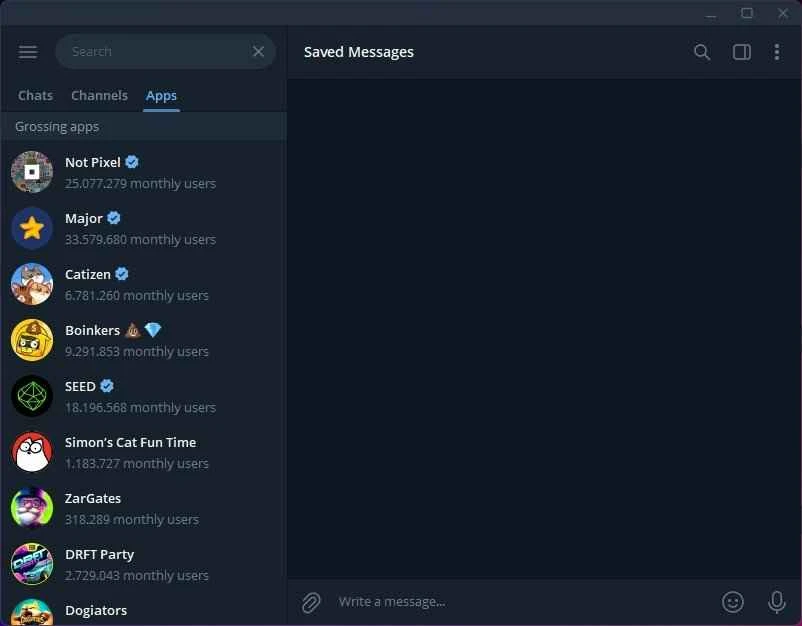
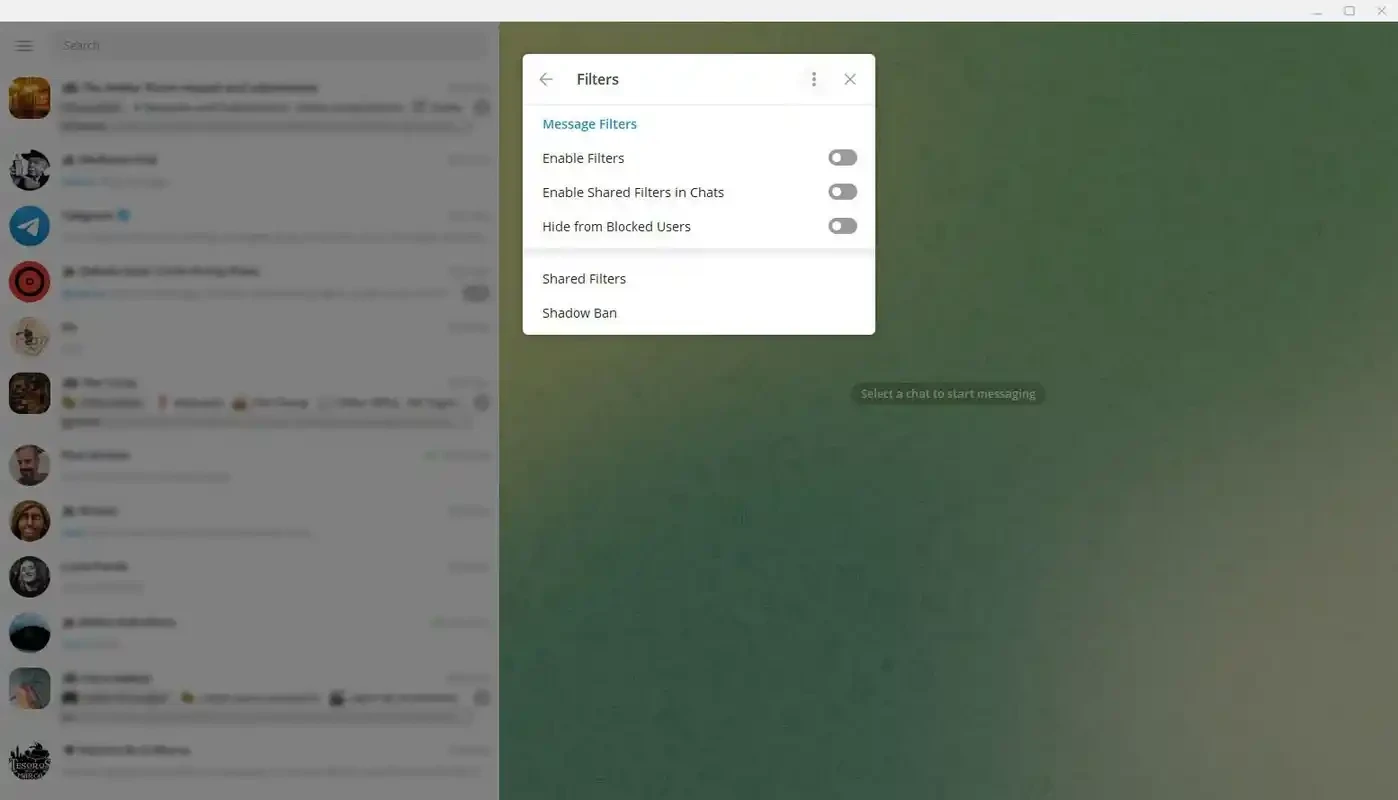
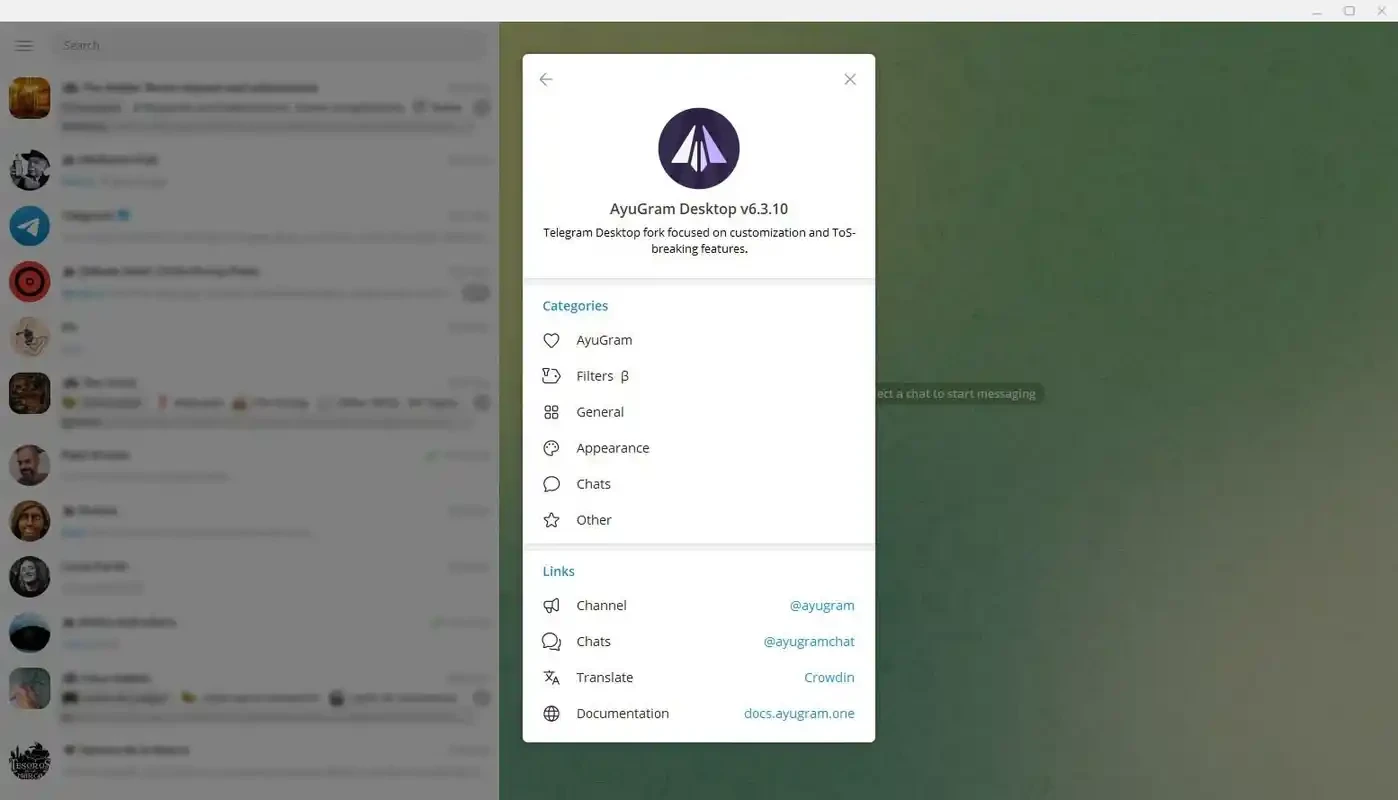
Ayugram is the modded version of Telegram to offer a lot of additional features, specifically designed for users seeking a unique Telegram experience. The availability of a comprehensive message history function makes your previous conversations accessible within the app.
The privacy-focused app with a sleek interface offers ghost mode and detailed message history to facilitate seamless communication, ensuring a distraction-free environment. The free-to-use utility with portable capability doesn’t require an installation process.
Ayugram is a community-driven messaging app crafted as a modified version of Telegram. It is developed and launched by Radolyn Labs and offers enhanced innovative tweaks while working as a thriving project from both Telegram and users alike. You can get the source code from GitHub or from dedicated Telegram Channels.
You will find premium functionality such as ghost mode, spy mode, save message history, secret chat screenshot, deep customization, and a lot of others. It is available for Windows, Android, Linux, and so on to prove the best choice for users who want to make their Telegram experience more flexible.
The app is available on both operating systems, including mobile devices and desktop PC. Because you need to have a mobile account to log in to the desktop version. You can do it simply by scanning the QR code using your mobile or iOS app and completing the two-step verification setup. Start using the app after entering your password.
Privacy is an important element, and similar to the official app Telegram Desktop, it offers multiple privacy controls to maintain a secure and personalized experience. You can hide your last seen or online status, and even your reading, typing, or reacting status. You can manage your privacy settings according to your preferences and enjoy a fortress around your inbox.
It is one of the most advanced features that has recently been added to the app. It makes it possible to use the app like a ghost without displaying your online presence. You need only to enable the feature right from your app’s settings and hide your online status. It also enables you to read messages, watch stories, and type your messages while making others unaware of your activities. You can enable the entire functionality or select some of it.
You can manage your message history according to your preferences, as you can save your chat history for a long time. It also creates a backup of your chat that you can restore your important chat in case of accidental loss of chats. It is foolproof; if you clear the cache, the chat history will not be removed until you do it yourself. Similarly, you can delete unwanted messages and retrieve them again hassle-free.
You will find more themes and wallpapers to enhance your customization options. Multiple chat layouts and visual elements are helpful for modifying the appearance of the app. You will find various fonts (hello, coders loving mono styles) and swap icons, or enjoy a modern vibe while enabling Material Design switches. The availability of up to 100 recent stickers and quick media reviews helps to speed up your workflow. You can declutter your interface using context menu tweaks and folder color removals.
You can capture your secret messages to use them later, as the app offers a Secret Chat Screenshot option, allowing users to take a screenshot of any of their desired chats without notifying the sender. It will help you to take a record of your important chats, and use them whenever you need.
The app offers robust performance and stable improvements, reducing crashes, bugs, and unexpected errors. In the way you can optimize your experience on different devices. Moreover, you can manage your huge library of messages, offering the ‘Message Filters', as it enables you to access your desired chat easily.
It is another core feature, offering multiple monitoring perks to control your privacy. You can protect your privacy while maintaining the features and privacy options according to your preferences. The app is simple to use, as there is no need for a traditional installation process; instead, click the compressed exe file and start running the app reliably.
Pros
Cons

WhatsApp for PC is the most popular web app that helps you end-to-end encryption chat and audio/video calls.

Microsoft Teams collaboration and communication tool for personal and professional use

Download Facebook Android APK on PC Windows (7/10/11) to upload and share your happy memories, photos, and videos.

Zoom App for PC get all of your co-members and students in a video conference

Discord Canary, test upcoming features before they release

Telegram Desktop is Communication app for PC. Working under the MTProto protocol.